New year, new membership? Check out our new offers

About Us

Advanced cloud firewall protection designed to secure your devices, applications and network connections

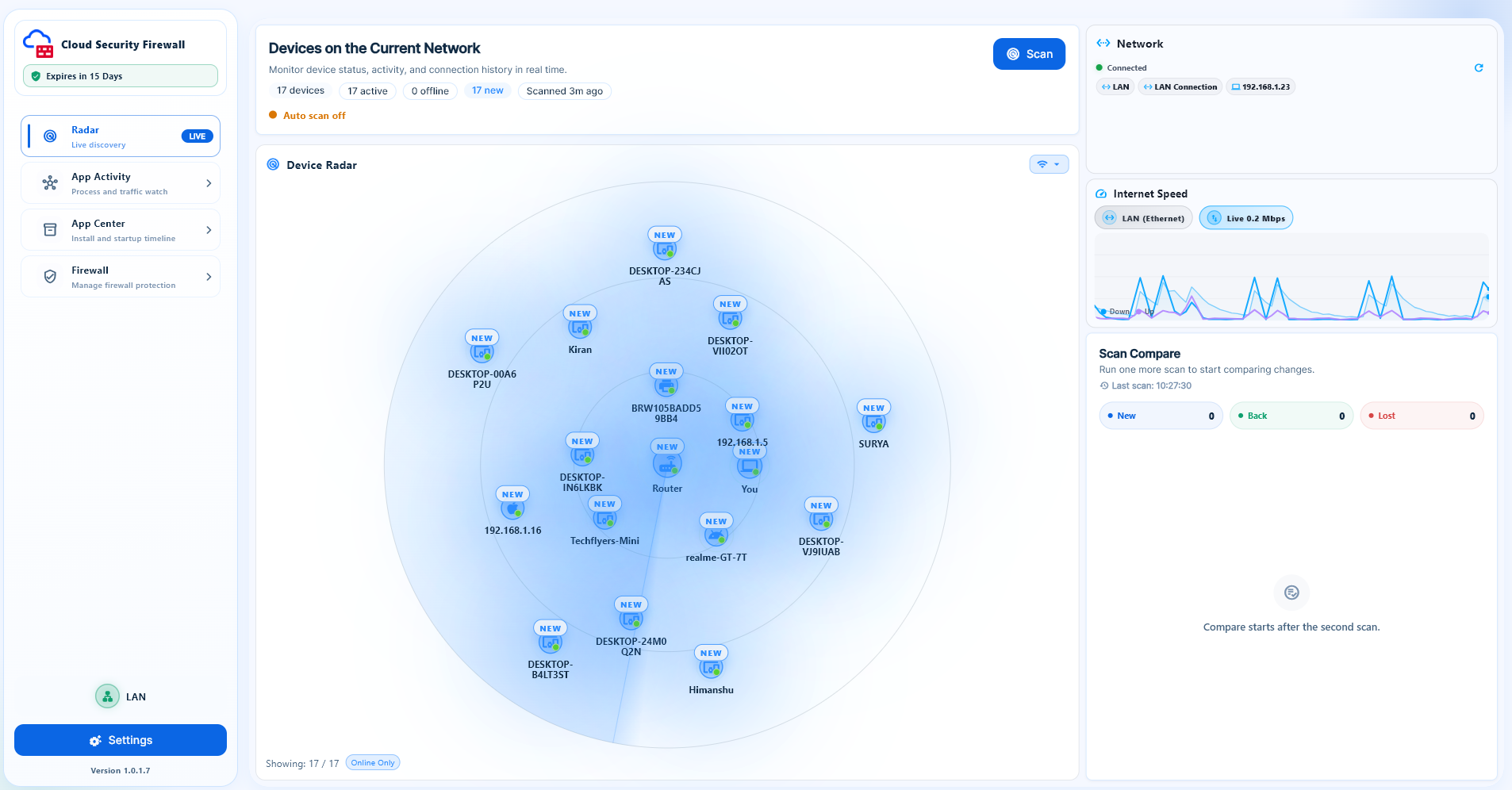
Cloud Security Firewall delivers centralized network visibility, control, and protection through one easy-to-manage platform. Our solution brings together real-time network monitoring, automatic device discovery, application activity tracking, firewall management, and actionable security alerts.


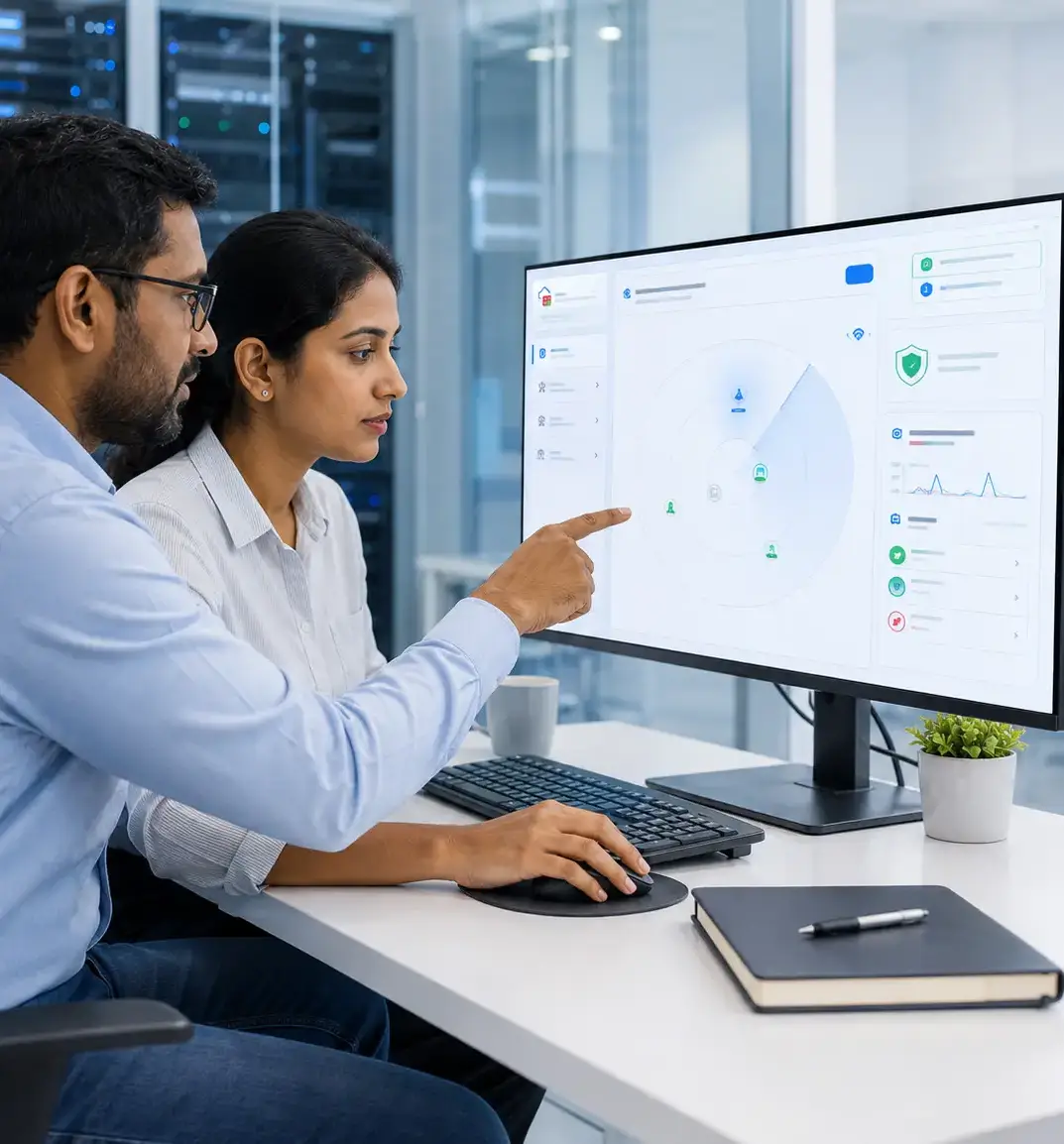
We help businesses identify connected devices, understand how applications use their networks, detect suspicious activity, and respond quickly to potential security threats. With clear dashboards and centralized controls, IT teams can manage network security more efficiently without unnecessary complexity.

80% fast incident response
who we are

Complete Network Visibility and Control in One Platform

Cloud Security Firewall is a Windows-based network monitoring and security platform designed to make everyday network management clearer and more manageable. It brings device discovery, application activity monitoring, installed-app management, firewall controls, and security alerts together in one easy-to-use interface.


From identifying devices connected to your Wi-Fi or LAN to monitoring application traffic and managing network access, the platform provides the information and controls needed to understand and protect your network.

our software

Trusted software committed to securing your network

In a world where cyberattacks are becoming more sophisticated, your business deserves the best protection. Our expert team leverages cutting-edge technology.

24/7 Threat Monitoring

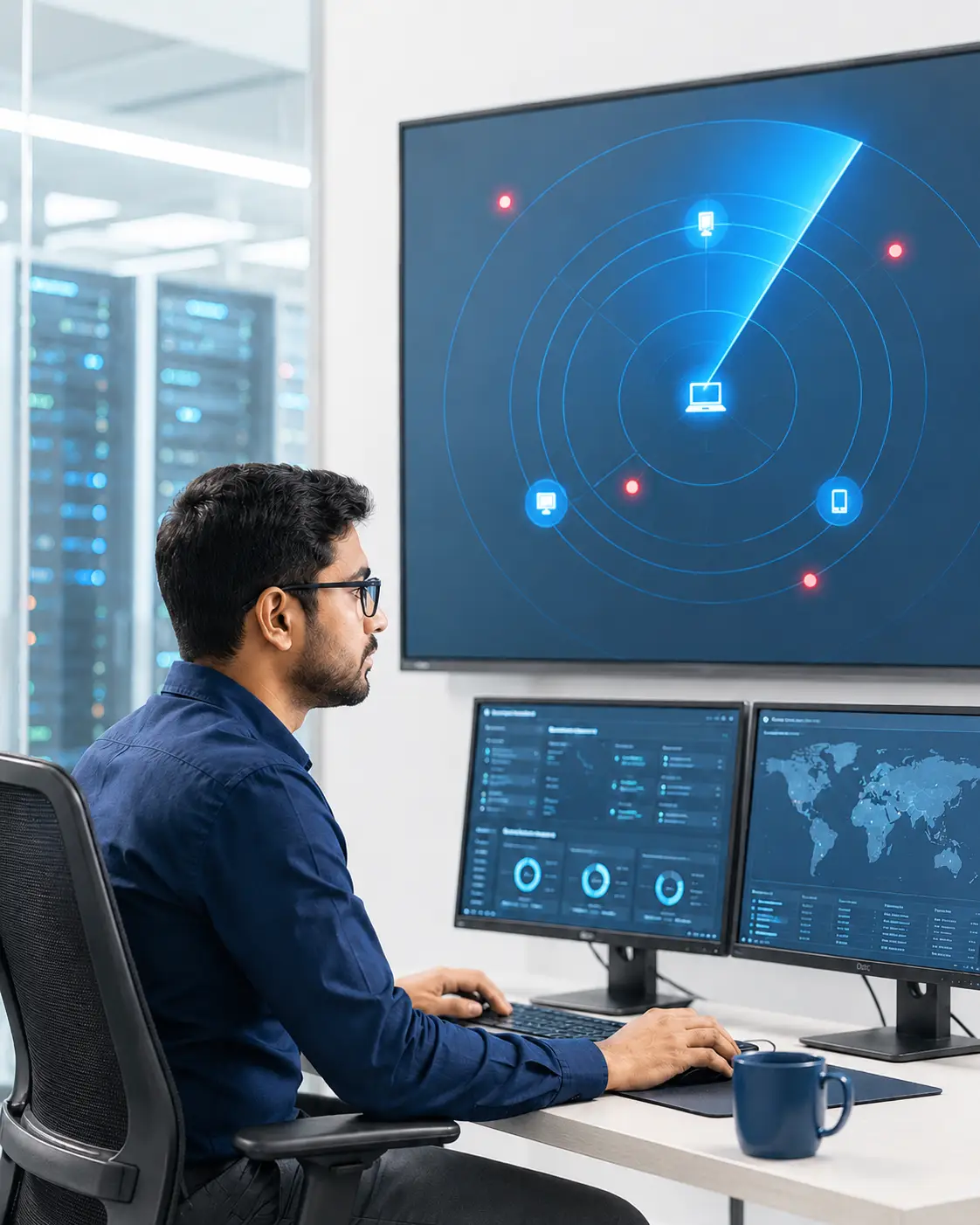
Our dedicated team ensures round-the-clock monitoring to detect.

End-to-End Security

From initial risk assessments to ongoing protection.

Cutting-Edge Technology

We utilize the latest tools and AI-driven systems to stay.

Expertise You Can Trust

Our team of certified experts delivers industry-leading solutions.

Why Choose Cloud Security Firewall

Built for better visibility, control and protection

Cloud Security Firewall brings device discovery, application monitoring, firewall controls and security alerts together in one easy-to-manage platform.

Network visibility icon

Clear Network Visibility

Discover connected devices, review their status and monitor changes across your Wi-Fi or LAN from a centralized dashboard.

Application control icon

Practical Application Control

Monitor application activity, review installed and startup programs, and manage application access through firewall controls.

Security monitoring icon

Actionable Security Monitoring

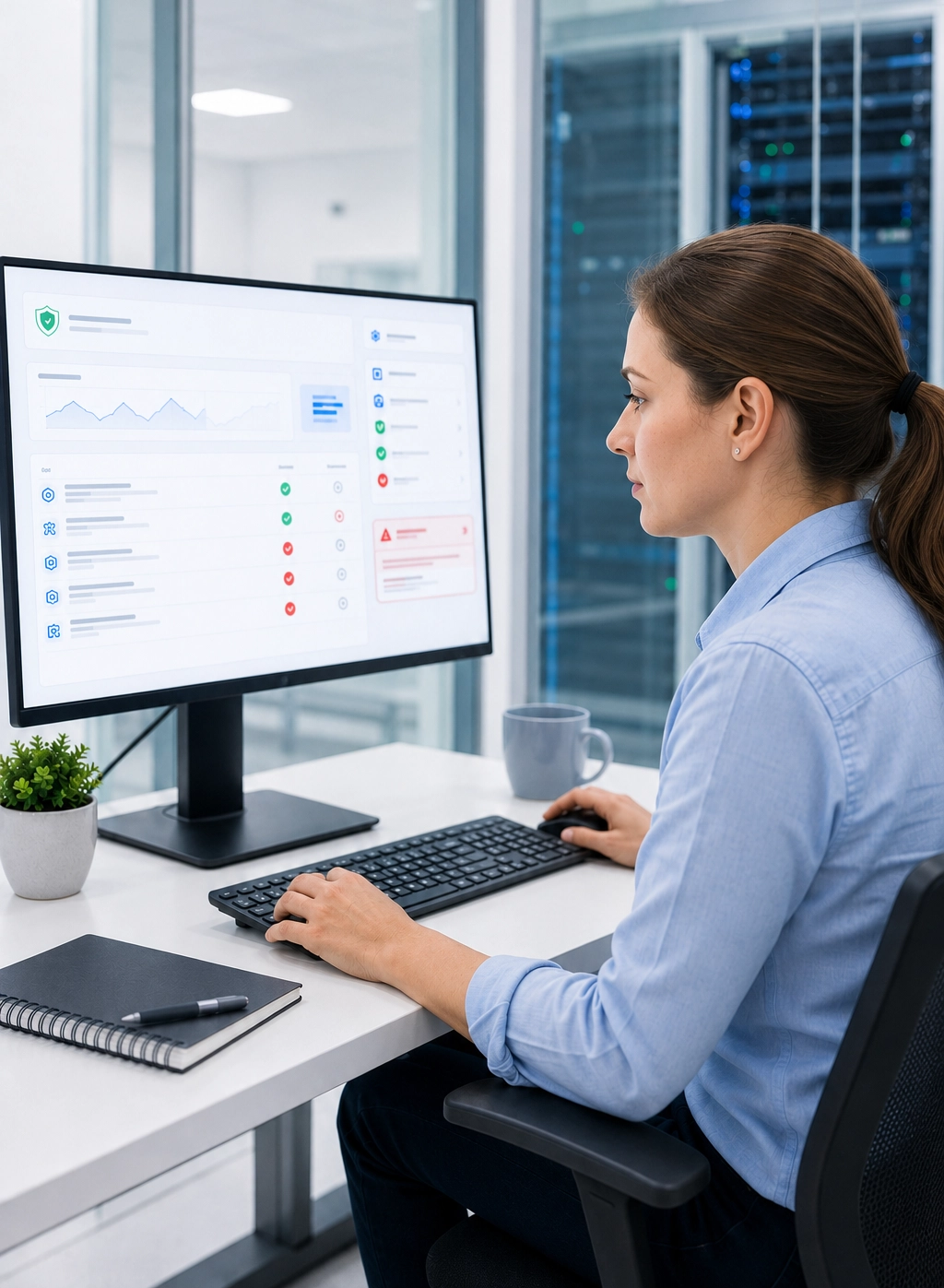
Review live connections, security alerts, blocked activity and recent threat events to make informed network decisions.

Cloud Security Firewall network monitoring
Network security and firewall protection

our testimonials

Our clients speak real results real protection

More Than 1K+ trusted customers

4.9

(40+ Reviews)

Customer experiences that speak for themselves

Cloud Security Firewall gives us a clear view of connected devices and network activity from one dashboard. The Device Radar makes routine network monitoring easier.

Shivani Chaudary

Marketing Director

The application monitoring and firewall controls help our team review running processes, connected endpoints and application-level network access more efficiently.

Rohsan Sharma

finance manager

Frequently Asked Questions

Your complete FAQ guide to Cloud Security Firewall

Cloud Security Firewall is a network security application that helps users discover connected devices, monitor application activity, manage installed and startup apps, and control network access.

Device Radar scans the current network and displays connected, active and offline devices, including available details such as device name, IP address, MAC address and last-seen time.

Yes. App Activity displays running processes, CPU and memory usage, connected endpoints, network traffic, geographical connections and supported traffic protocols.

Yes. The Firewall module lets authorised users review application connections and apply available controls to block or allow network access.

Yes. App Center displays installed software and startup applications. Users can review publishers, uninstall supported applications and check whether startup apps are enabled, disabled or view-only.